Snapping
Snapping
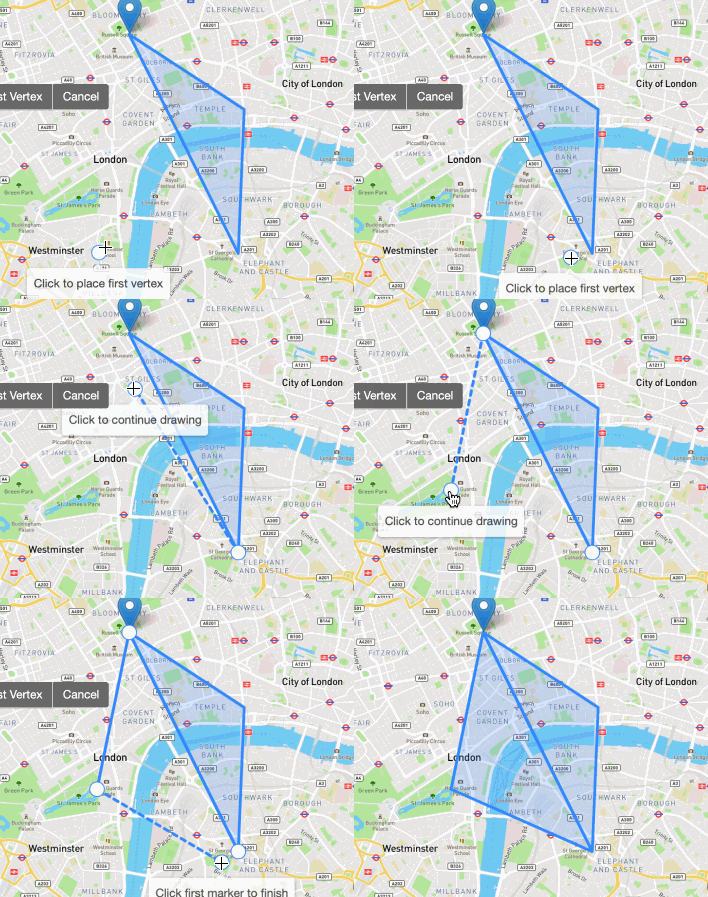
Snap the dragged marker/vertex to other layers for precision drawing.
Snapping can be disabled for layers with the layer option snapIgnore: true. With snapIgnore: false it will be always snappable, also if pmIgnore is set.
Can also be disabled by holding the ALT key.
Configuration
Snapping is disabled by default. You can enable snapping by setting snappable to true in the global options.
map.pm.setGlobalOptions({
  snappable: true,
});
You can get the current snappable status by calling map.pm.getGlobalOptions().snappable.
or by destructuring the snappable property from the global options.
const { snappable } = this.map.pm.getGlobalOptions()
Snapping Button in the Toolbar
You can also enable/disable a button in the toolbar to toggle snapping. You can enable (disable) it by setting snappingOption to true (false) in the addControls options.
map.pm.addControls({
  snappingOption: true,
});