

MapLibre-Geoman + Mapbox-Geoman 0.9.0-alpha.0: Sub-Polygon Editing

Today we are publishing the first alpha of the next Geoman release: @geoman-io/[email protected] and @geoman-io/[email protected].
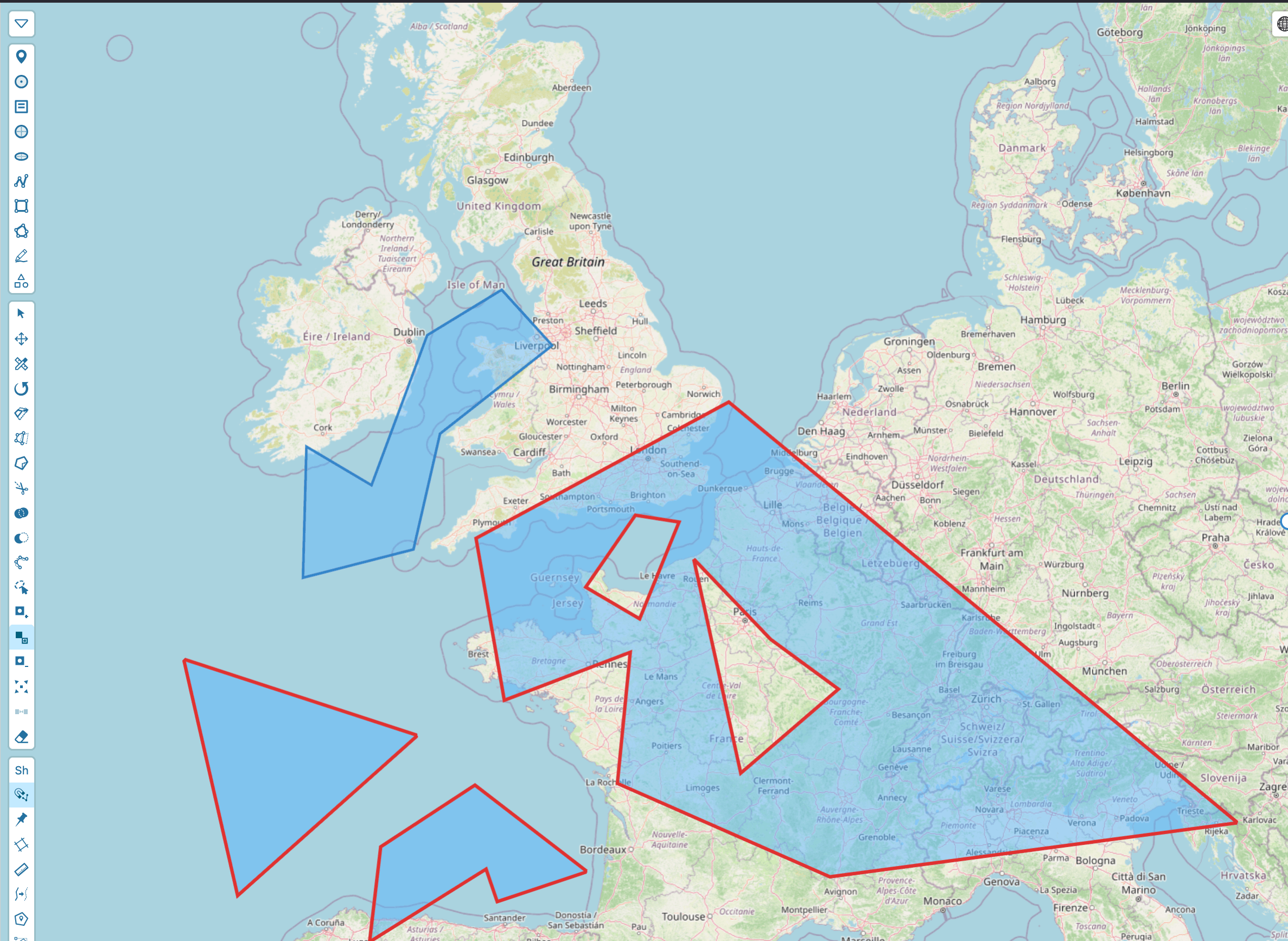
The headline of this release is sub-polygon editing — a set of tools for working inside a polygon and across the parts of a multipolygon, not just on its outer outline. Until now, editing a polygon mostly meant dragging its vertices. With 0.9.0 you can punch holes, add and remove parts, split a multipolygon into pieces, and merge separate features back together.
Because this is an alpha, the API may still change before the stable 0.9.0. We are shipping it early so teams can try the new modes and send feedback.
What is new in 0.9.0
The edit toolbox gains a dedicated group of sub-polygon operations, available both as interactive modes and through a new programmatic API:
- Add hole — cut an interior ring into a polygon or multipolygon part
- Add part — append a new ring-set, promoting a
Polygonto aMultiPolygon - Remove ring — delete a single hole or a whole part of a multipolygon
- Explode — split a multipolygon into separate single-polygon features
- Merge parts — combine several features into one
MultiPolygon
These sit alongside the boolean and geometry operations already in the toolbox (cut, split, union, difference, line_simplification, lasso).
Editing inside a polygon
Holes
Real-world geometry is rarely a simple ring. A lake with an island, a building footprint with a courtyard, a managed zone with an exclusion area — all of these are polygons with holes.
The new Add hole mode lets you draw an interior ring directly on top of an existing feature. Geoman finds the ring-set that fully contains your drawing and inserts the hole there. If the ring is not contained by any part, or it overlaps an existing hole, the operation is rejected rather than producing invalid geometry.
Parts
A MultiPolygon is one feature made of several disjoint polygons — think of an archipelago, or a parcel split by a road. Add part appends a new ring-set to a feature, automatically promoting a single Polygon to a MultiPolygon when needed. Self-intersecting parts are rejected, and overlapping parts are rejected too unless you explicitly opt into allowOverlap — multipolygon parts have disjoint interiors but may touch along shared edges.
Removing rings and parts
Remove ring deletes the innermost removable ring under your cursor. Holes take priority over parts, since a point inside a hole is also inside its part's outer ring. The sole outer ring of a simple polygon can never be removed in isolation — to delete the whole feature you still use the delete tool.
Explode and merge
Explode turns one multipolygon into several independent single-polygon features, so each part can be styled, attributed, or edited on its own. Merge parts is the inverse: select multiple features and combine them into a single MultiPolygon.
All of these operations normalize ring winding to RFC 7946 (outer rings counter-clockwise, holes clockwise), so the geometry you get out is valid GeoJSON.
A new programmatic edit API
Every interactive mode above has a code-driven counterpart on the new geoman.edit façade. It operates on live features by id — no map interaction required — and fires the same events as the interactive tools, so your app stays in sync however an edit is triggered:
// Add an interior ring to an existing polygon
await geoman.edit.addHole(featureId, ring)

// Append a new part (Polygon → MultiPolygon)
await geoman.edit.addPart(featureId, partRings, { allowOverlap: false })

// Remove a specific hole or part
await geoman.edit.removeRing(featureId, ringTarget)

// Split a multipolygon into separate features
await geoman.edit.explode(featureId)

// Merge several features into one MultiPolygon
await geoman.edit.merge([featureIdA, featureIdB])
Each call resolves to a discriminated result — either the updated feature(s), or a rejection reason when the edit would have produced invalid geometry — so you can surface clear feedback in your own UI.
Selection-aware controls
Sub-polygon modes only make sense once a feature is selected. By default Geoman gates the add_hole, add_part, and merge_parts controls behind a selection, showing them disabled until the user picks a feature. If your host application manages availability itself, the new disableSelectionGating option turns that behavior off — the modes still validate at run time.
Try the alpha
Install the alpha from the Geoman registry:
pnpm add @geoman-io/[email protected]
# or, for Mapbox GL JS
pnpm add @geoman-io/[email protected]
Then:
- Explore the MapLibre-Geoman docs
- Open the Mapbox demo
- Compare plans on the pricing page
Looking ahead
Sub-polygon editing is the foundation for a more complete geometry-authoring experience across Leaflet, MapLibre, and Mapbox. We will refine the modes and the geoman.edit API through the alpha series toward a stable 0.9.0.
This is an alpha — we want your feedback. If you hit a rough edge or have a workflow you want supported, contact us at [email protected].
Want more geo-editing insights?
Get tips, tutorials, and product updates delivered to your inbox.
No spam. Unsubscribe anytime.